Reception and welcome
Introduce the venue, share approved information and direct visitors towards the right person or service, with a clear staff handoff.
A2 ULTRA · RECEPTION & INTERACTION
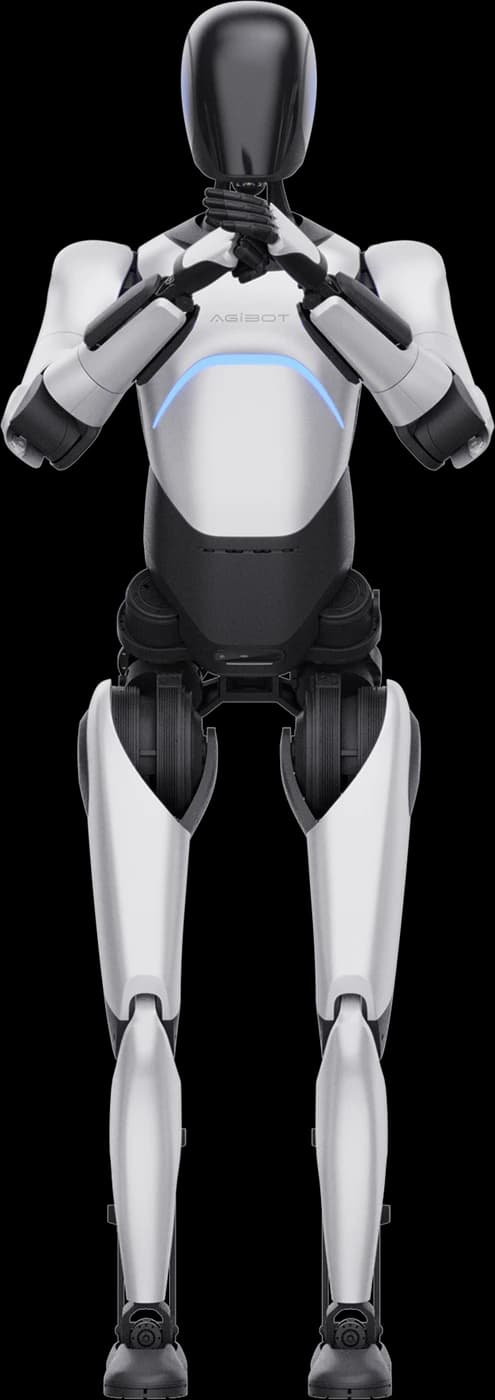
Welcome, inform and guide visitors with a configured humanoid experience. UK use-case assessment, demonstration planning and operator support from HRS.
THE VISITOR EXPERIENCE
Full-size humanoid with sensing, dexterous hands and interaction hardware for reception and guided visitor experiences. Build the experience around the questions visitors ask and the places they need to reach.
A facial display, microphone array and speakers support the interaction software. AGIBOT describes configurable greetings, knowledge and voice; the supplied package and content need to be agreed for your visitor journey.
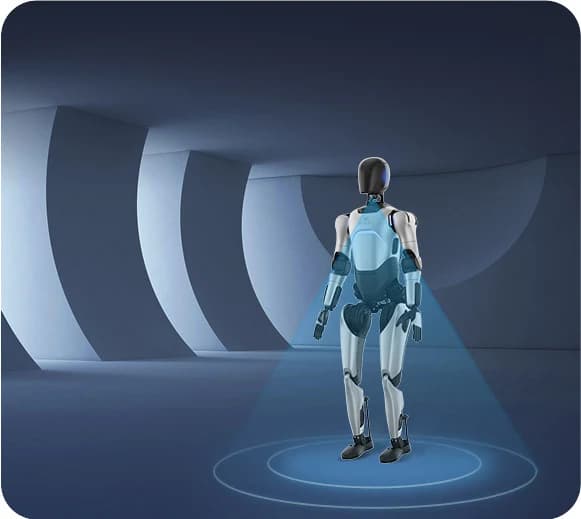
LiDAR, head and lower-body RGB-D cameras, and chest RGB and fisheye cameras provide inputs for perception and navigation. Mapping, route preparation and trials turn those inputs into a useful guided visit.
Obstacle avoidance has operating limits. Review floor conditions, clearances, small obstacles and crowd movement, with a trained operator and an emergency-stop procedure.
CANDIDATE APPLICATIONS
Introduce the venue, share approved information and direct visitors towards the right person or service, with a clear staff handoff.
Connect a prepared route with exhibit explanations and stopping points. Validate clearance, audience position and speech in the actual space.
Present product information through a configured knowledge base, spoken explanations and gestures. Agree what the robot should answer and when staff should take over.
Provide a supervised welcome or information point at a venue. Rehearse for crowd movement, background noise and the available operating time.
SPECIFICATIONS
Manufacturer figures for the 40-DOF A2 Ultra, including hand articulation. Walking runtime is measured on flat ground; the standing figure includes voice broadcast. Actual endurance depends on movement, software, battery condition and the operating environment.
Sources: AGIBOT product specifications and the AimDK A2 Ultra technical overview. Confirm the supplied hardware revision and software package before deployment.
Hot swapping supports battery replacement while powered on. Allow for safe handling, spare batteries and charging; neither the standing nor walking figure is a promise of uninterrupted, all-day guided tours.
CHOOSE YOUR PLATFORM
Choose around the task: Lite centres on choreography and programmed movement; Ultra adds the hardware for richer visitor interaction and navigation.
| At a glance | A2 Lite | A2 Ultra |
|---|---|---|
| Degrees of freedom | 23 DOF | 40 DOF |
| Arm articulation | 5 DOF per arm | 7 DOF per arm |
| Hands | Soft, non-actuated hands | 6-DOF dexterous hands |
| Perception sensors | Not equipped | 3D LiDAR · RGB-D · RGB · fisheye cameras |
| Compute | 16-core CPU | 16-core CPU + NVIDIA Jetson AGX Orin 64 GB |
| Connectivity | Wi-Fi | Wi-Fi · 4G/5G |
Hardware differences do not define a complete software service. Confirm the skills, licences, connectivity and content required for the intended task. See the manufacturer comparison.
For a compact perception and development platform, explore X2 Ultra. For stage-focused movement, see AGIBOT A3.
CONFIGURATION & HRS SUPPORT
HRS helps UK teams assess suitability, agree the configuration and prepare a practical demonstration, with operator training and site preparation scoped to the project.
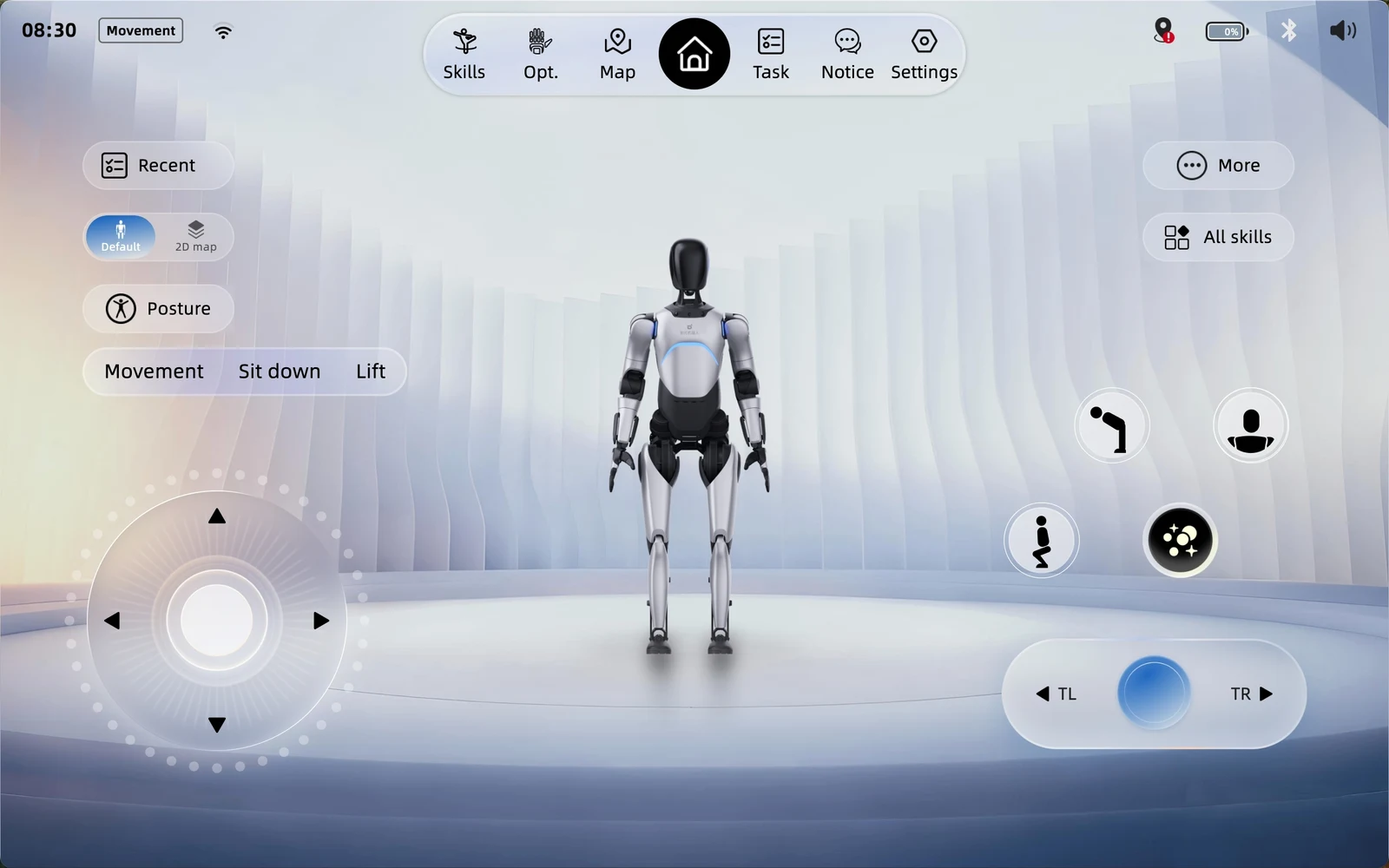
Prepare approved information, a greeting and clear limits on answers. Test the English-language experience, pronunciation and recognition in the venue’s background noise.
Confirm what the cameras and microphones process, whether services use the cloud, and the venue’s privacy requirements. Do not assume facial recognition or recording needs to be enabled.
Rehearse the route, stopping points and human handoff. Agree who supervises the robot, handles unexpected questions and stops the session when needed.
Technical teams can also review AGIBOT’s AimDK documentation for supported integration interfaces and hardware constraints.
A2 Ultra FAQ
AGIBOT A2 Ultra is a full-size, 40-DOF humanoid with perception sensors, dexterous hands and interaction hardware. Candidate uses include reception, exhibition guidance and visitor engagement, with software, content and the operating environment configured for each task.
Ultra has 40 DOF, 7-DOF arms, active dexterous hands, a LiDAR and camera suite, and Jetson AGX Orin compute. Lite has 23 DOF and centres on choreographed movement without Ultra’s standard perception hardware. Choose around the intended visitor interaction or performance programme.
AGIBOT documents autonomous navigation and obstacle avoidance using LiDAR and cameras. A working route still requires mapping, clearance checks, appropriate software and trials in the intended space. Sensors do not remove the need for supervision, movement boundaries and an emergency-stop procedure.
AGIBOT describes customisable knowledge, greetings, voice and wake words through its interaction software. Confirm the available software package and supported spoken languages for the supplied unit. HRS can help scope an English-language demonstration that tests the content, speech recognition, pronunciation and background noise before wider use.
Manufacturer figures are around three hours standing with voice broadcast, or around 1.5 hours walking on flat ground. The 14.4 Ah battery supports hot swapping, with charging of around two hours. These are separate operating conditions, not an all-day guarantee; practical runtime depends on motion, software, battery condition and the environment.
Contact HRS with your venue, proposed visitor journey, content and timing. We can assess suitability, discuss the robot and software configuration, and plan demonstration arrangements, operator training and site preparation.
YOUR NEXT STEP
Tell us about your venue, visitors and the information you want to share. HRS will help assess the fit and discuss a configured UK demonstration.