Robotics teaching
Build supervised exercises around robot state, coordinate frames and movement commands. Match the SDK environment to the lab’s computers and the students’ experience.
D1 EDU · PROGRAMMABLE QUADRUPED
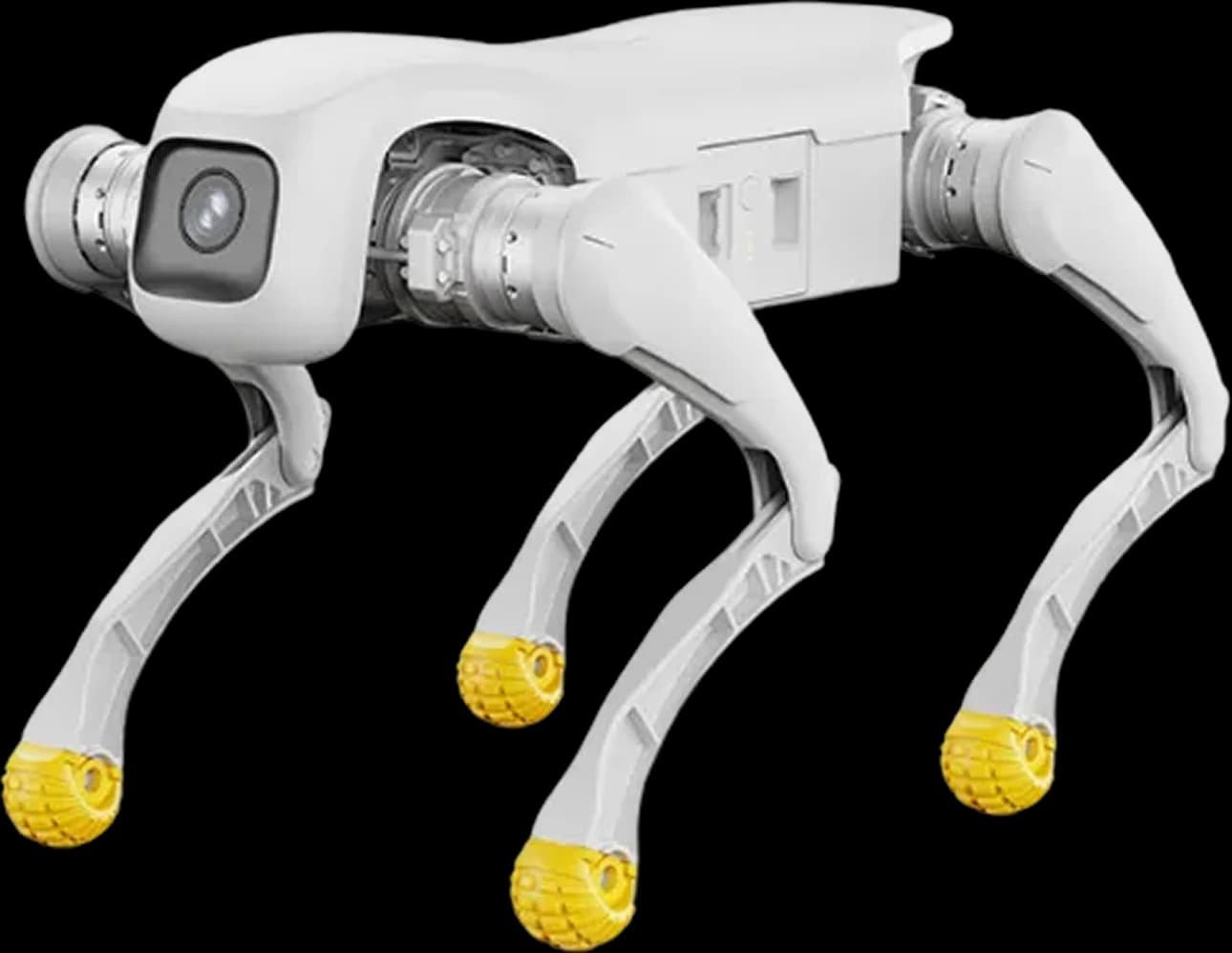
Bring code, sensing and legged movement into the same project. Explore the developer version of D1 with HRS for UK university labs, teaching teams and robotics R&D.
PLATFORM FIT
Programmable quadruped for robotics teaching, control research and sensor-integration projects, with SDK access and expansion interfaces. Within the Lingxi D1 line, EDU adds the development access needed to move beyond operating the supplied behaviours.
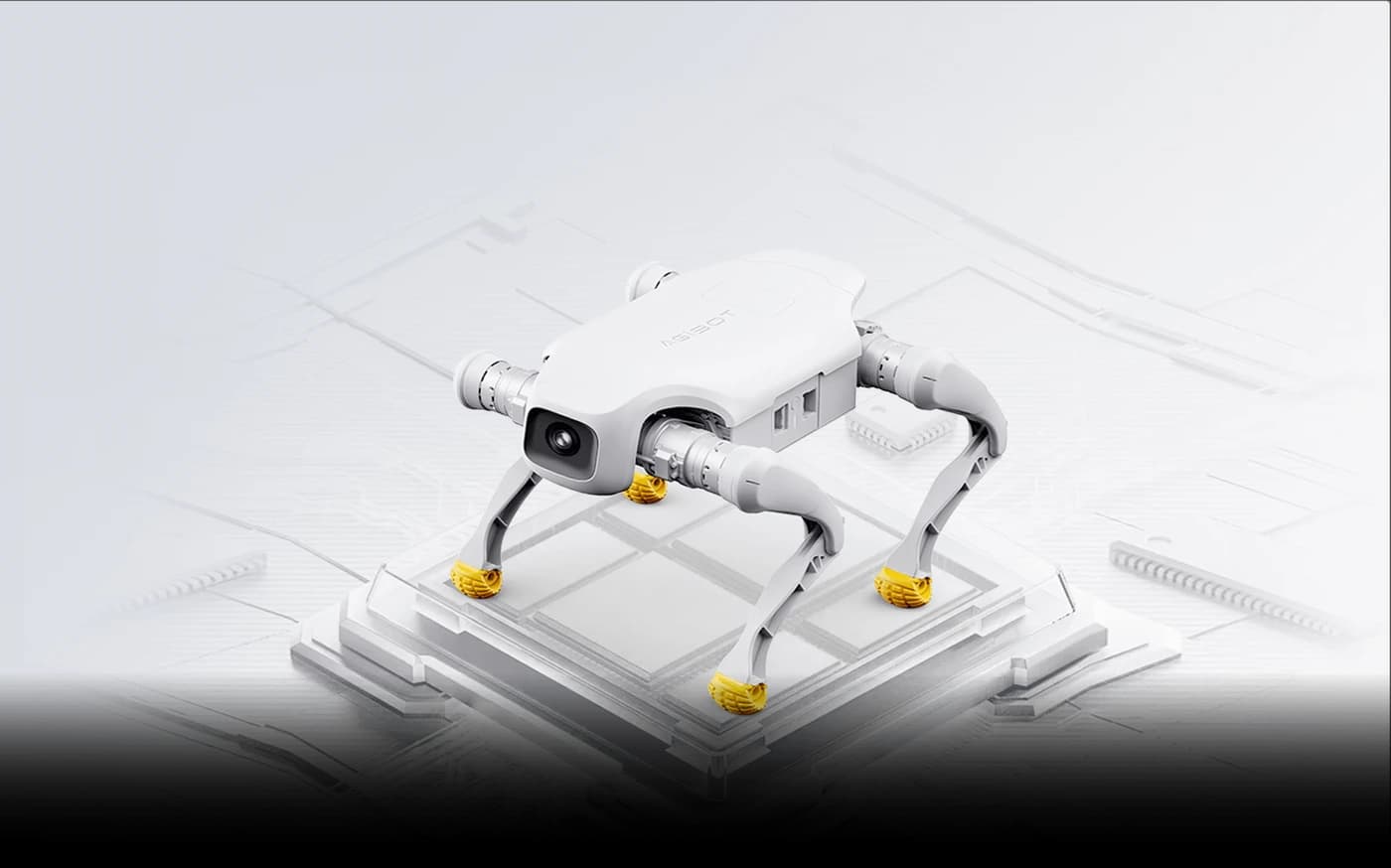
The documented SDK covers high-level movement commands, low-level motor control and access to robot, IMU and motor data. Choose the control level your project requires; high-level and low-level interfaces cannot be used simultaneously.
AGIBOT lists URDF models for simulation and testing in Isaac Sim and MuJoCo. Confirm the model files and simulator versions, then validate the behaviour before moving to a supervised hardware trial. Simulation is not a guarantee of the same result on the physical robot.
The base robot includes a camera and IMU. Additional LiDAR, depth cameras, positioning, RTK and 4G/5G modules are compatibility options to assess separately, not a standard sensor bundle.
DEVELOPER PLANNING
The July 2026 SDK guide describes C++ and Python development. Match the SDK to the supplied firmware and agree who owns the application logic, testing and maintenance.
The guide specifies Ubuntu 22.04 and Python 3.10, with a C++ toolchain. It recommends a physical Ubuntu machine and excludes Windows WSL for secondary development. Confirm the current dependencies for the SDK you receive.
The base 8-core CPU is not a promise of spare capacity for your application. The guide advises against deploying custom control logic on the robot itself. Plan suitable external computing and check the connection and power requirements.
Review control-state transitions, connection loss and low-battery handling with the development team. Check the controller-to-SDK handover for the installed version and keep people clear during motion tests.
Planning a ROS project? The July 2026 guide states that no ROS interface is provided. URDF support does not imply an included ROS or ROS 2 integration. Confirm any required bridge and its development scope.
Read the official D1 EDU / Ultra SDK guide (English PDF) — sections 3.1–3.2 and 6.16–6.20. This is manufacturer documentation, not an HRS-tested software package.
CANDIDATE APPLICATIONS
Scope these activities around your team, software and test environment. They are possible project directions, not claims of existing HRS deployments.
Build supervised exercises around robot state, coordinate frames and movement commands. Match the SDK environment to the lab’s computers and the students’ experience.
Explore quadruped motion and control through documented interfaces. Low-level experiments need an experienced team, a suitable test setup and defined stopping procedures.
Assess an additional sensor or payload alongside its mounting, power and data requirements. Work within the payload rating and confirm module compatibility before fitting hardware.
Develop and evaluate navigation or following behaviour using a separately specified sensing and software setup. These are development projects, not standard autonomous functions.
SPECIFICATIONS
Manufacturer figures from laboratory testing. Runtime and performance depend on movement, terrain, payload, temperature and battery condition. Maximum speed, payload and step height are separate ratings, not simultaneous performance guarantees.
Sources: AGIBOT Pro/EDU specifications and the official D1 EDU store page. Confirm the hardware revision and module package for the unit supplied.
Port quantities follow the official store specification. Connector pinouts, voltage and power limits need checking against the supplied unit’s documentation before connecting a module.
The one-hour charging figure covers 10–90%, not a full recharge. Leave time for setup and charging between experiments, and implement the SDK’s required low-battery handling. The payload allowance must include any fitted module and its mounting.
CHOOSE YOUR PLATFORM
The main decision is access, not a higher speed or payload. Pro suits operation of supplied behaviours; EDU is the starting point when your brief involves robot software or connected modules.
| At a glance | D1 Pro | D1 EDU |
|---|---|---|
| Weight incl. battery | 15.5 kg | 15.5 kg |
| Maximum speed | Up to 3.5 m/s | Up to 3.5 m/s |
| Effective payload | 5 kg | 5 kg |
| Secondary development (SDK) | Not supported | Supported |
| Expansion interfaces | None | Ethernet · USB · power · SBUS · UART |
For an operator-led event, read the D1 Pro guide. EDU can also demonstrate movement; choose it when development access is part of the requirement.
Planning a supervised site trial with a screen-equipped controller? Compare D1 EDU with D1 Ultra, including the different weight and speed ratings. Both models support SDK development.
Need a bipedal humanoid with a different perception configuration? Explore AGIBOT X2 Ultra. For the other quadruped configurations, see the full D1 line.
HRS SUPPORT
HRS can assess your requirements and scope support for the project. Agree the hardware, development responsibilities and demonstration arrangements before committing to a configuration.
Discuss the learning outcomes or research question, required control level, software environment and the team’s development experience.
Confirm SDK and firmware compatibility, proposed sensors, mounting and computing. Separate included hardware from optional modules and integration work.
Scope operator training, a controlled test area and supervised demonstrations. Agree the testing, stopping and support arrangements for your programme.
D1 EDU FAQ
AGIBOT D1 EDU is a programmable, four-legged robot for research and robotics education. It has 12 degrees of freedom, weighs 15.5 kg including the battery and provides SDK access plus expansion interfaces for development projects.
The manufacturer lists the same base weight, maximum speed and effective payload for Pro and EDU. The key difference is development access: EDU supports an SDK and Ethernet, USB, power, SBUS and UART interfaces; Pro does not support secondary development or expansion interfaces.
The July 2026 AGIBOT SDK guide documents high-level movement commands, low-level motor control and access to robot state, IMU and motor data. It includes C++ and Python examples. High-level and low-level control cannot run simultaneously, and the SDK must match the robot firmware. Development requires qualified supervision and appropriate stopping and low-battery handling.
AGIBOT lists URDF models for simulation and testing in Isaac Sim and MuJoCo. This is separate from a ROS interface: the July 2026 SDK guide states that no ROS interface is provided. Confirm current model files, simulator compatibility and SDK versions for your configuration; do not assume a ready-made ROS or ROS 2 package.
The base specifications list a camera, IMU and an 8-core CPU. AGIBOT describes compatibility with additional sensors and communication modules, not their inclusion as standard. LiDAR, depth cameras, positioning, RTK, 4G/5G and additional compute need a separately confirmed configuration. The SDK guide advises against running custom control logic on the base robot because it has no spare internal computing capacity.
Autonomous following requires secondary development, according to the official EDU store FAQ. Navigation projects also need suitable sensors, software, integration and site testing. SDK access and balance control alone do not constitute a ready-to-use autonomous navigation or patrol system.
Allow for the manufacturer-rated 1–2 hours of operation and around one hour to charge from 10% to 90%, using the 4.6 Ah, 43.2 V battery. Movement, payload, temperature and battery condition affect runtime. Schedule charging breaks and implement the low-battery handling required by the SDK guide; a full 0–100% charge is not covered by the one-hour figure.
Send HRS your teaching or research brief, proposed modules, location and timing. We can assess the platform fit, discuss demonstration arrangements and scope configuration planning, operator training and integration support. Availability, SDK access and the supplied configuration are confirmed during the enquiry.
YOUR NEXT STEP
Tell us about your lab, proposed experiment and timing. HRS can help assess the configuration and discuss a UK demonstration.