Supervised site trials
Assess movement, ground conditions and operator visibility on a controlled route. Start with an agreed test area and speeds suited to the terrain, not the headline maximum.
D1 ULTRA · IP54 QUADRUPED
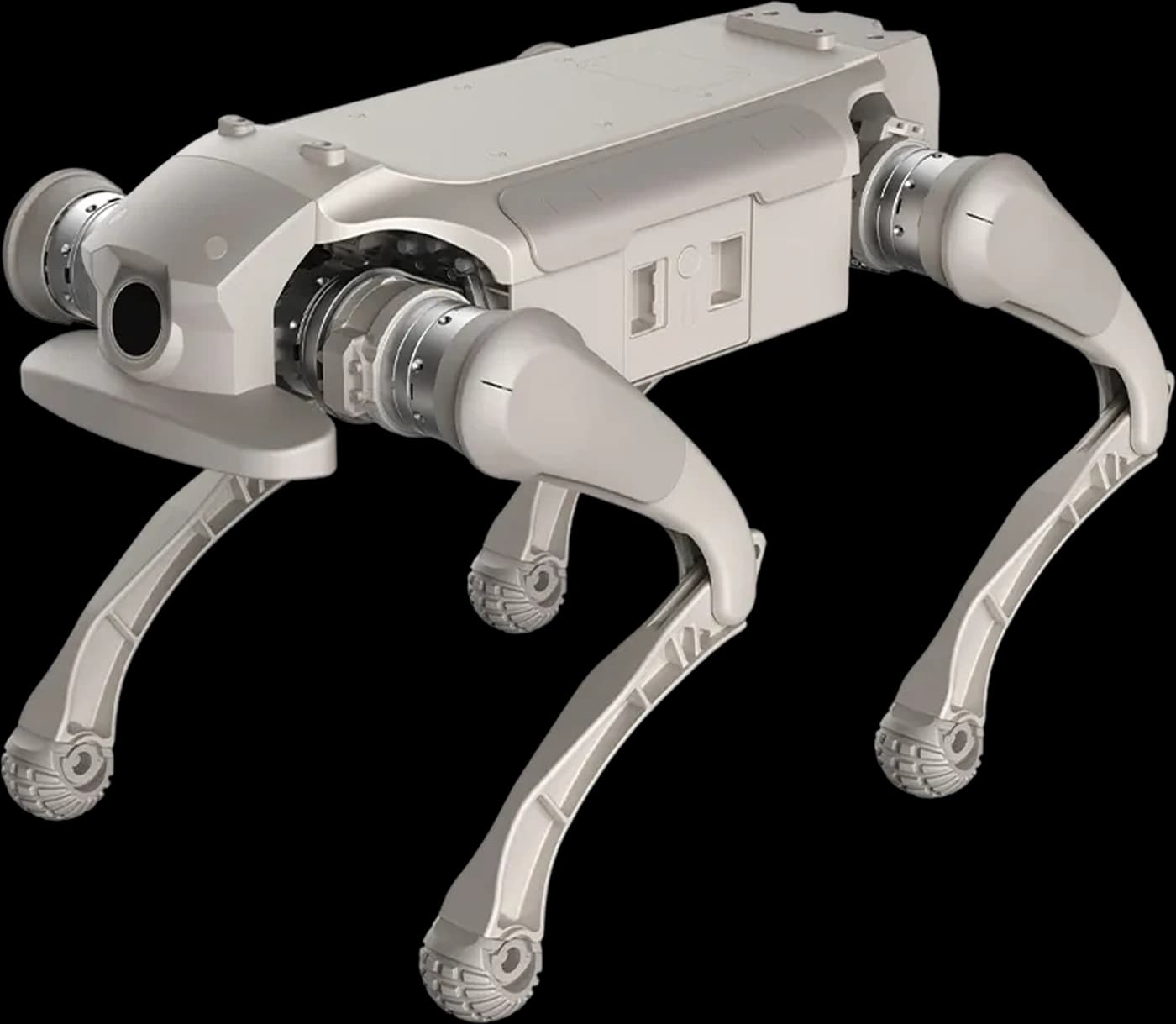
See the route from the robot’s perspective. Explore a screen-controlled quadruped with HRS for supervised UK site trials, visual checks and configurable mobile-sensor projects.
PLATFORM FIT
IP54 quadruped with a screen-equipped controller, live camera view and expansion interfaces for supervised site trials and mobile inspection development. Start with the route and the task, then assess the hardware and software needed to carry them out.
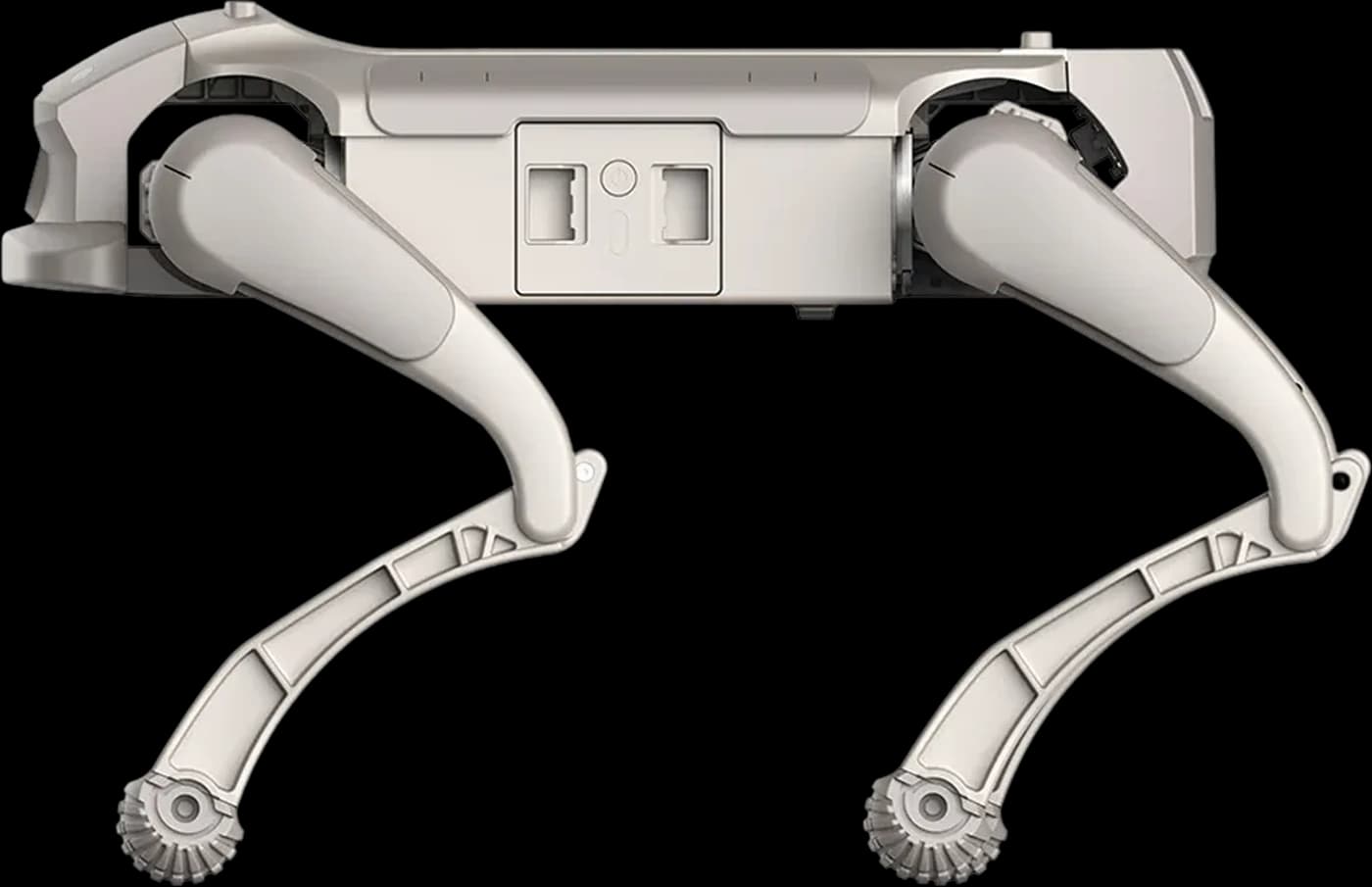
The Ultra specification lists a screen-equipped remote controller and real-time image transmission from its onboard camera. Use the view to assess a task; maintain line-of-sight supervision as required by the manual.
IP54 is a manufacturer ingress rating, not permission to operate in any weather or terrain. Check the ground, operating temperature and cleaning instructions. Do not treat the robot as waterproof or suitable for immersion.
The rated effective payload is 5 kg. Include mounting and fitted equipment in that allowance, and verify power, connection and balance requirements. Additional sensors and computing are configuration decisions, not implied inclusions.
OPERATION & DEVELOPMENT
A live camera feed and SDK access provide useful building blocks. A reliable following, navigation or inspection application still needs a confirmed software package and a tested operating environment.
AGIBOT specifies autonomous following as a secondary-development function. Define the software, sensing, control behaviour and supervised test environment as part of the project. A controller’s tracking mode is not a complete autonomous patrol application.
The shared EDU / Ultra SDK documents movement and robot-state interfaces. Check firmware compatibility, external compute and responsibility for application software. The July 2026 guide does not provide a ROS interface.
Manufacturer references: D1 Ultra user manual (English PDF) and D1 EDU / Ultra SDK guide (English PDF). A documented feature is not a safety certification or evidence of an HRS deployment.
CANDIDATE APPLICATIONS
These are project directions to assess with HRS, not claims of installed systems or unattended operation.
Assess movement, ground conditions and operator visibility on a controlled route. Start with an agreed test area and speeds suited to the terrain, not the headline maximum.
Evaluate the onboard camera view for a defined observation task while keeping the robot in sight. Agree image quality, privacy and data-handling requirements for the site.
Explore a separately specified sensor payload on a legged platform. Confirm mounting, power, data links and software integration within the total payload allowance.
Practise screen-controller operation, camera viewing and stopping procedures in a clear training space before attempting a more complex route or fitted payload.
SPECIFICATIONS
Manufacturer laboratory figures, not simultaneous performance guarantees. Runtime, movement and payload performance depend on terrain, configuration, temperature and battery condition. Confirm the supplied hardware and software before planning a trial.
Sources: official Ultra specification sheet (English PDF) and AGIBOT D1 Ultra store. Follow the manufacturer’s operating-mode and site-safety limits.
The battery is replaceable, but no powered hot-swap is claimed. Follow the manufacturer’s shutdown and charging procedure. The approximately one-hour charge covers 10–90%; allow time for setup, charging and rest between operating sessions.
Assess the controller link, visibility, safe stopping and clearances along the route. IP54 and a headline speed do not establish a safe working area, a radio range or suitability for slippery, crowded or hazardous locations.
CHOOSE YOUR PLATFORM
Both provide development access. EDU is a starting point for lab and teaching projects; Ultra merits assessment when screen-controller operation and its documented IP54 rating are relevant to a site trial. These uses can overlap.
| At a glance | D1 EDU | D1 Ultra |
|---|---|---|
| Weight incl. battery | 15.5 kg | 16 kg |
| Maximum speed | Up to 3.5 m/s | Up to 3.7 m/s |
| Effective payload | 5 kg | 5 kg |
| Secondary development (SDK) | Supported | Supported |
| Expansion interfaces | Ethernet · USB · power · SBUS · UART | Ethernet · USB · power · SBUS · UART |
For operator-led demonstrations without SDK development, consider D1 Pro. For other payload and mobility configurations, compare the Lingxi D1 line.
Need wheel-legged mobility? Compare Ultra with D1 Ultra-W. Ultra-W has wheels and 16 DOF; both current specification sheets list the same 5 kg effective payload.
HRS SUPPORT
Share the site and the result you need. HRS can assess fit and scope demonstration, configuration and operator support without assuming an off-the-shelf autonomous solution.
Discuss surfaces, clearances, people, weather exposure and communications. Define a supervised route and what a useful trial would demonstrate.
Review the controller, fitted payload and software features. Separate base equipment, optional modules and development responsibilities.
Scope familiarisation, stopping procedures and demonstration arrangements. Agree the support and maintenance responsibilities for the proposed activity.
D1 Ultra FAQ
AGIBOT D1 Ultra is a 12-DOF quadruped robot with an IP54 rating, a screen-equipped remote controller and a live camera view. The manufacturer lists a 16 kg weight including the battery, a 5 kg effective payload and a maximum speed of 3.7 m/s. It is a platform to assess for supervised site trials and mobile inspection development, not a ready-made autonomous patrol service.
Both models support SDK development and expansion interfaces, with the same 5 kg effective payload rating. Ultra is listed at 16 kg and up to 3.7 m/s, compared with EDU at 15.5 kg and up to 3.5 m/s. Ultra’s specification also explicitly lists IP54 protection and a screen-equipped controller. Choose around the operating environment, controller and supplied configuration; SDK access is not exclusive to Ultra.
Autonomous following requires secondary development, as specified by AGIBOT. Scope the software, sensing and control behaviour for the intended task, with a supervised test environment. A controller’s tracking mode is not a complete following, obstacle-avoidance or autonomous patrol application.
No. AGIBOT lists IP54, not a waterproof or all-weather guarantee. The manual requires line-of-sight supervision, suitable ground and operation within 0–40°C; it warns against slippery or cluttered terrain and rinsing the robot with liquids. Review the actual site, weather, communications and manufacturer instructions before an outdoor trial.
The base specification includes a camera, IMU, Wi-Fi and Bluetooth. Expansion interfaces allow additional equipment to be assessed, but LiDAR, depth cameras, RTK, cellular connectivity and specialist inspection sensors are not established as standard by this specification. Confirm hardware, mounting, power, software and the payload budget for the complete configuration.
Yes. AGIBOT provides a shared D1 EDU / Ultra SDK guide covering movement commands, motor control and robot-state data, with C++ and Python examples. Match the SDK to the robot firmware and scope external compute where needed. The July 2026 guide states that no ROS interface is supplied; SDK access does not mean a complete open-source autonomy stack.
AGIBOT rates operating time at around 1–2 hours with a 4.6 Ah rated, 43.2 V battery. Its one-hour charging figure covers 10–90%, not a full recharge. Terrain, movement, payload, temperature and battery condition affect practical runtime. Plan charging breaks; no hot-swap capability is claimed here.
Send HRS the proposed site, activity, payload and timing. We can assess platform fit, discuss demonstration arrangements and scope configuration planning, operator training and integration support. Availability, software features and the supplied hardware are confirmed during the enquiry.
YOUR NEXT STEP
Tell us about the site, task and timing. HRS can help assess the configuration and discuss a UK demonstration.